

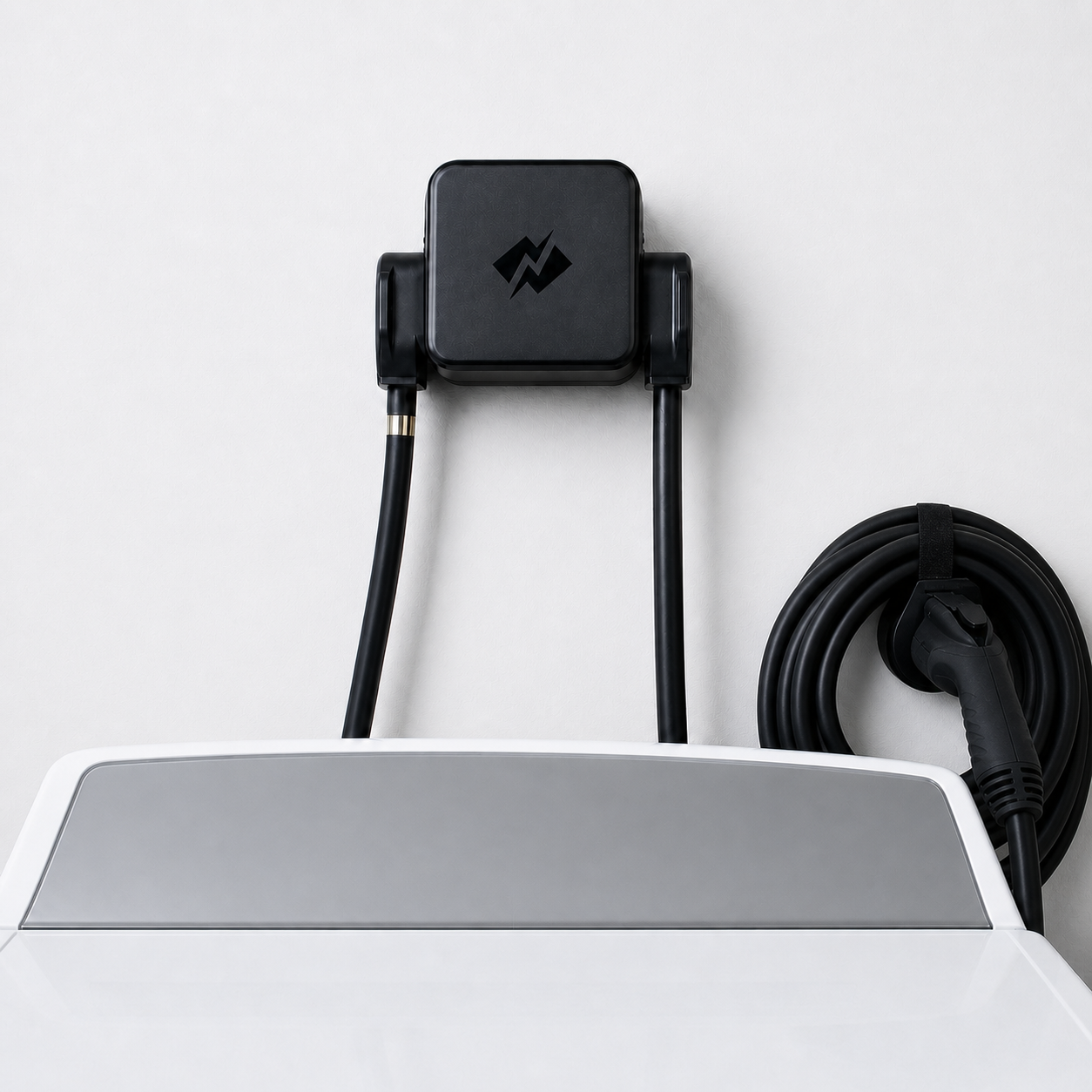




Guide de l'installateur Energy Monitor + EMS
À propos de ce guide
Who this guide is for, how the Energy Monitor and EMS work together, and how to tell which sensor kit you have.
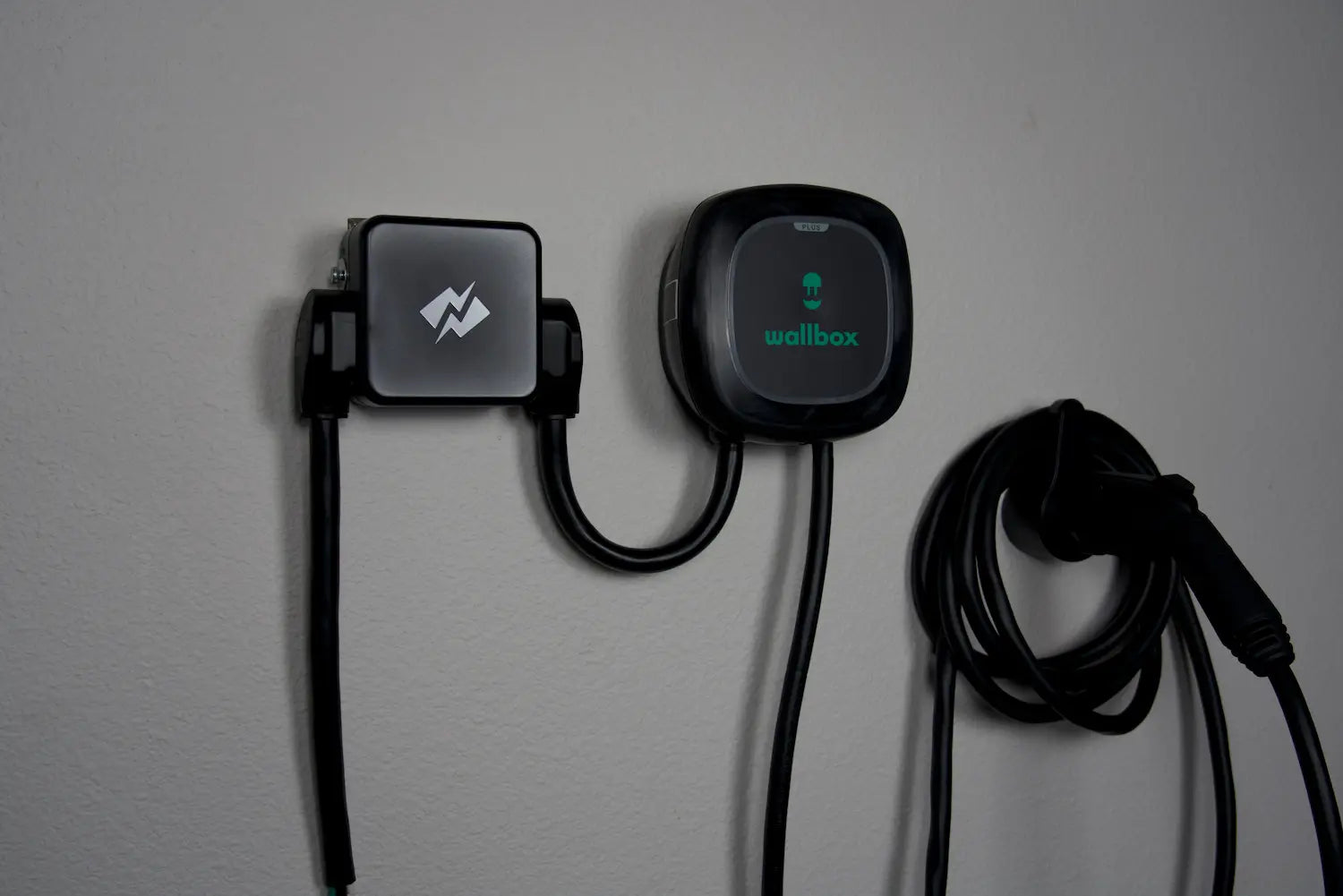
This guide covers the full install of the NeoCharge Energy Monitor (model NCEM-NA) and its setup as an energy management system (EMS) with an Autel EV charger.
Who it's for
Licensed electricians and other qualified installers. It assumes you already know how to work safely in an energized panel. It doesn't teach basic electrical practice.
What "done" means
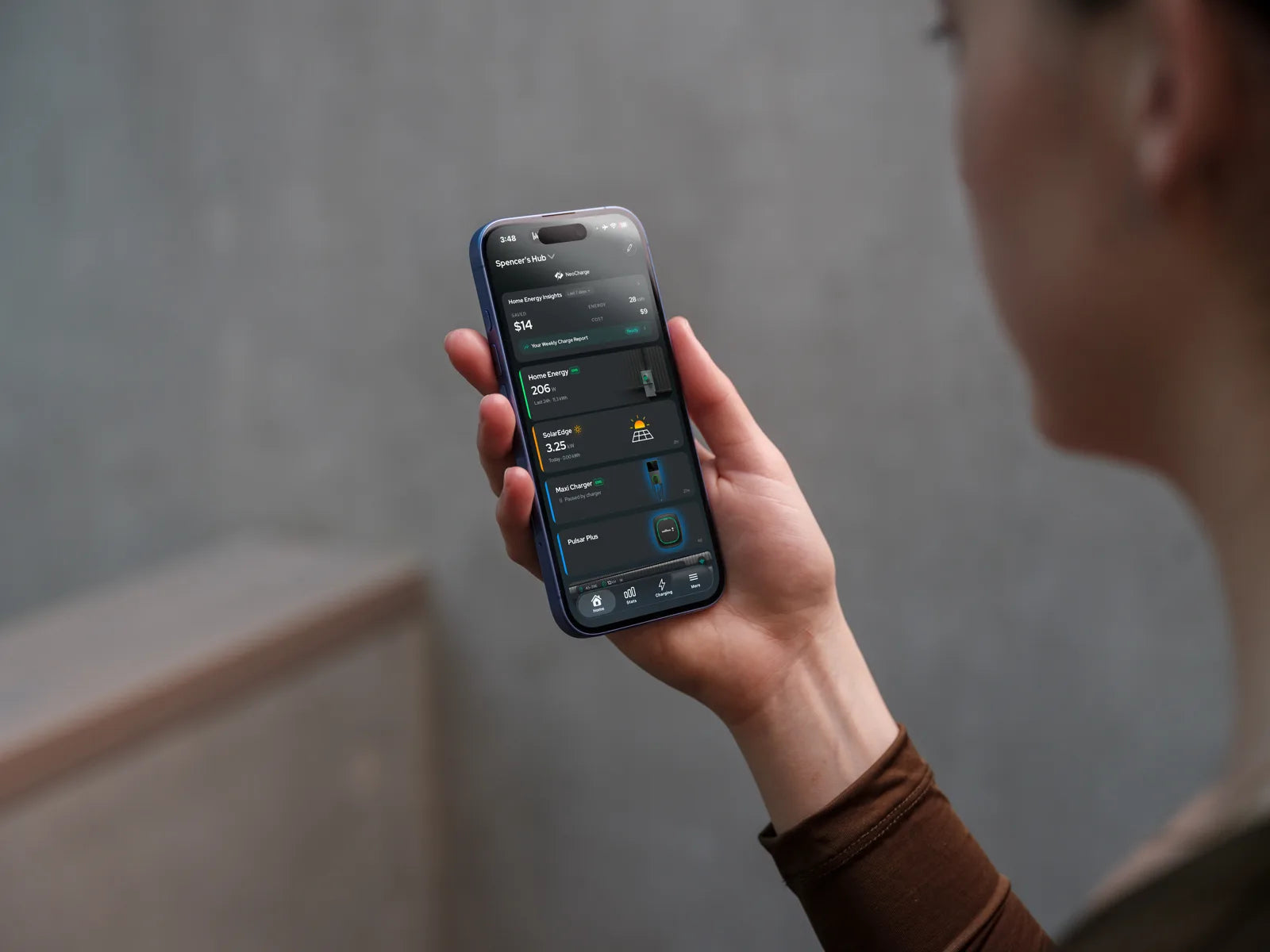
The job is complete when the homeowner's NeoCharge app has the Energy Monitor and the Autel charger both set up and paired, showing Energy Management verified. On the app's home screen, the Autel and Home Energy cards both carry a green EMS badge. See Before you leave.
How the system works

- CT 1 and CT 2 attach to both feeder conductors of the panel the EMS protects (the main panel or a subpanel). They see every load in that panel.
- CT 4 clamps the EV charger circuit. CT 3 monitors a battery or solar line, the charger's second leg, or one other load.
- The monitor sends its readings to the NeoCharge cloud over Wi-Fi or Ethernet.
- The cloud works out the headroom left under the panel rating and sends the Autel a charge limit over OCPP. OCPP is a network protocol. There is no power wire between the monitor and the charger.
- The EMS holds total load to 100% of the panel rating you enter in the app: the main breaker for a main panel, or the feeder breaker for a subpanel.
- If the monitor loses power or its connection, charging pauses after a short safety timeout. It is designed to resume automatically. See How the EMS behaves during interruptions.
Which sensor kit do you have?
Both kits use the same Energy Monitor, the same voltage harness and the same two 50 A branch CTs for ports 3 and 4. They differ only in the main sensors for ports 1 and 2.
| Split-core CT kit | Flexible (Rogowski) kit | |
|---|---|---|
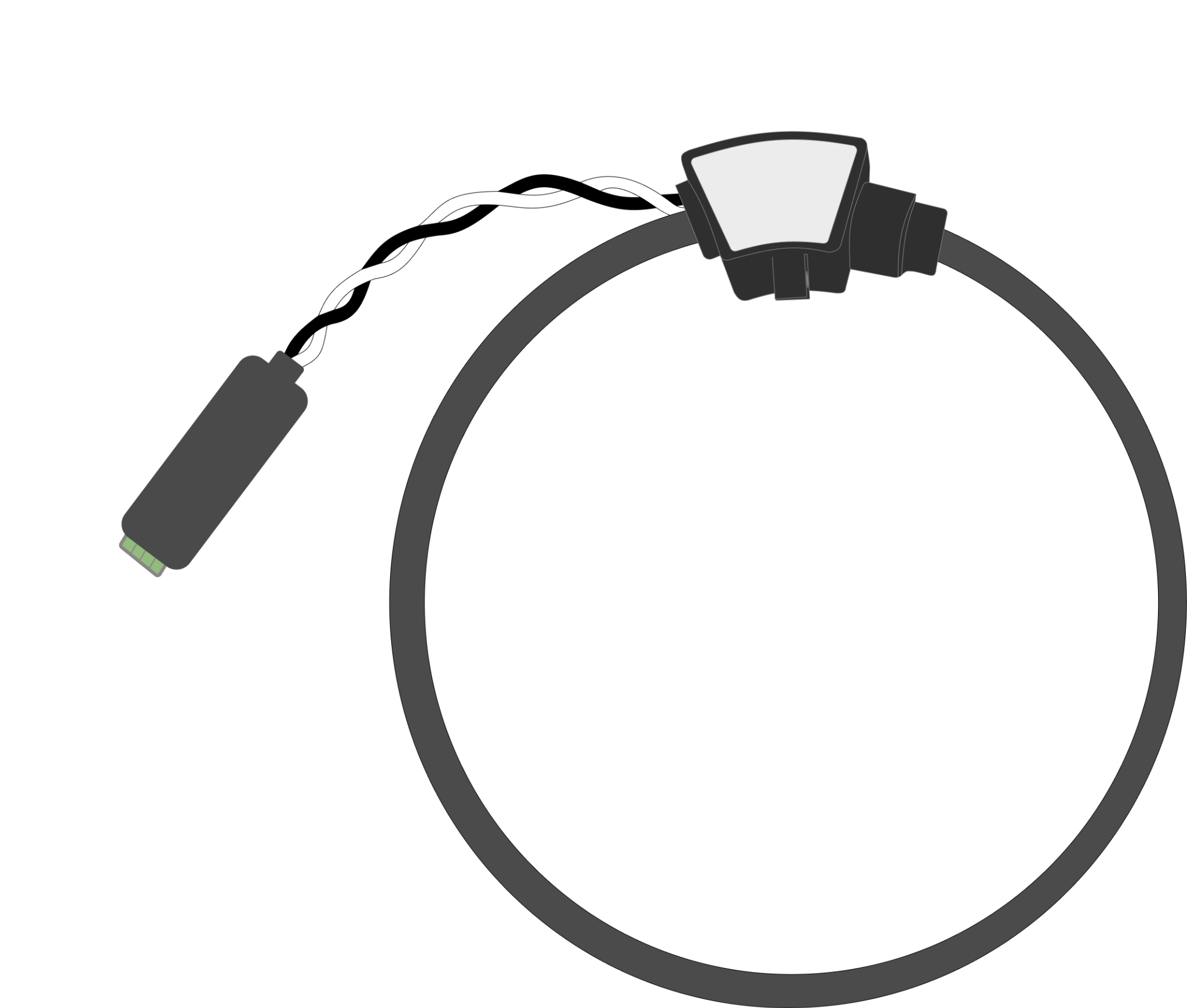
| Main sensors | Two 200 A split-core CTs | Two flexible Rogowski coils, each with an integrator |
| Extra parts | None | One 12 V sensor power supply and Wago lever connectors |
| Use it when | The CTs close fully around the service or feeder conductors | Split-core CTs won't fit, for example most meter-mains and tight gutters |
| Where it's covered | Install | Install and Flexible (Rogowski) sensors |

How to read this guide
- Steps that are the same for both kits are written once.
- Where the kits differ, the step has two labelled blocks: Split-core CT kit and Flexible (Rogowski) kit. Follow the one that matches the box.
- Danger, warning, note and tip boxes carry the safety and field lessons. Read them.
- Site layouts (solar, battery, subpanel, two monitors) are in Wiring diagrams. Pick your case before you go.
Terms used
| Term | Meaning |
|---|---|
| EM | The NeoCharge Energy Monitor |
| EMS | Energy management system: the Energy Monitor plus the Autel, paired in the NeoCharge app |
| CT 1–4 | The sensor on port 1–4 of the monitor. CT 1 and CT 2 are the mains |
| Autel | The Autel EV charger used for EMS installs |
| Installer PIN | The 6-digit PIN on the back label of the Energy Monitor. It locks the panel rating |
| Charger PIN | The Autel's own PIN, in the Autel Quick Start booklet. It is not the installer PIN |
| Panel rating | The breaker the EMS protects: the main breaker (main panel) or the feeder breaker (subpanel) |
Revision
This is Rev 005, 2026-10-28. The PDF is the controlled copy. Always use the latest revision from NeoCharge; printed copies may be out of date.
Something wrong or unclear on this page? Email support@getneocharge.com. Rev 005 is the controlled copy.
