



Energy Monitor + EMS Installer Guide
Before you leave
The closeout checklist, the four required photos and who to call before you leave site.
NeoCharge reviews every install remotely: the monitor online, the charger online over OCPP and the sensor readings. A job that leaves site without "Energy Management verified" means a second visit.
Closeout checklist
Autel
- Rotary dial set to the charger circuit (for example 40 A on a 50 A breaker).
- Firmware 1.36 or later (actual version number checked), factory reset done.
- Max current in the Autel app matches the dial.
- On the home 2.4 GHz Wi-Fi, Internet light on.
- Online in the NeoCharge app over OCPP.
Energy Monitor
- Mounted in the panel whose load it manages, 2 in (50.8 mm) from live parts.
- CT 1–2 on both feeder conductors of the panel the EMS protects, nothing tapped in between.
- Every CT arrow points toward the load (CT 1–4). On a battery, the battery is the load.
- Main sensors in ports 1–2 only. CT 4 on the Autel. CT 3 recorded.
- CT 3 and CT 4 downstream of CT 1–2.
- No sensor lead cut, shortened, spliced or extended.
- Blue L3 spliced to L1 only if CT 3 is on a battery; otherwise capped.
- Antenna outside the metal enclosure (or Ethernet connected).
- Status light white with a green pulse.
App
- Panel type and rating entered: 100% of the main breaker (Main panel) or the feeder breaker (Subpanel).
- CT 3 / CT 4 answer matches what is installed.
- Installer PIN entered.
- Test charge run: the mains rose with the charger, and the current matches in both apps.
- Energy Management verified, all checks green.
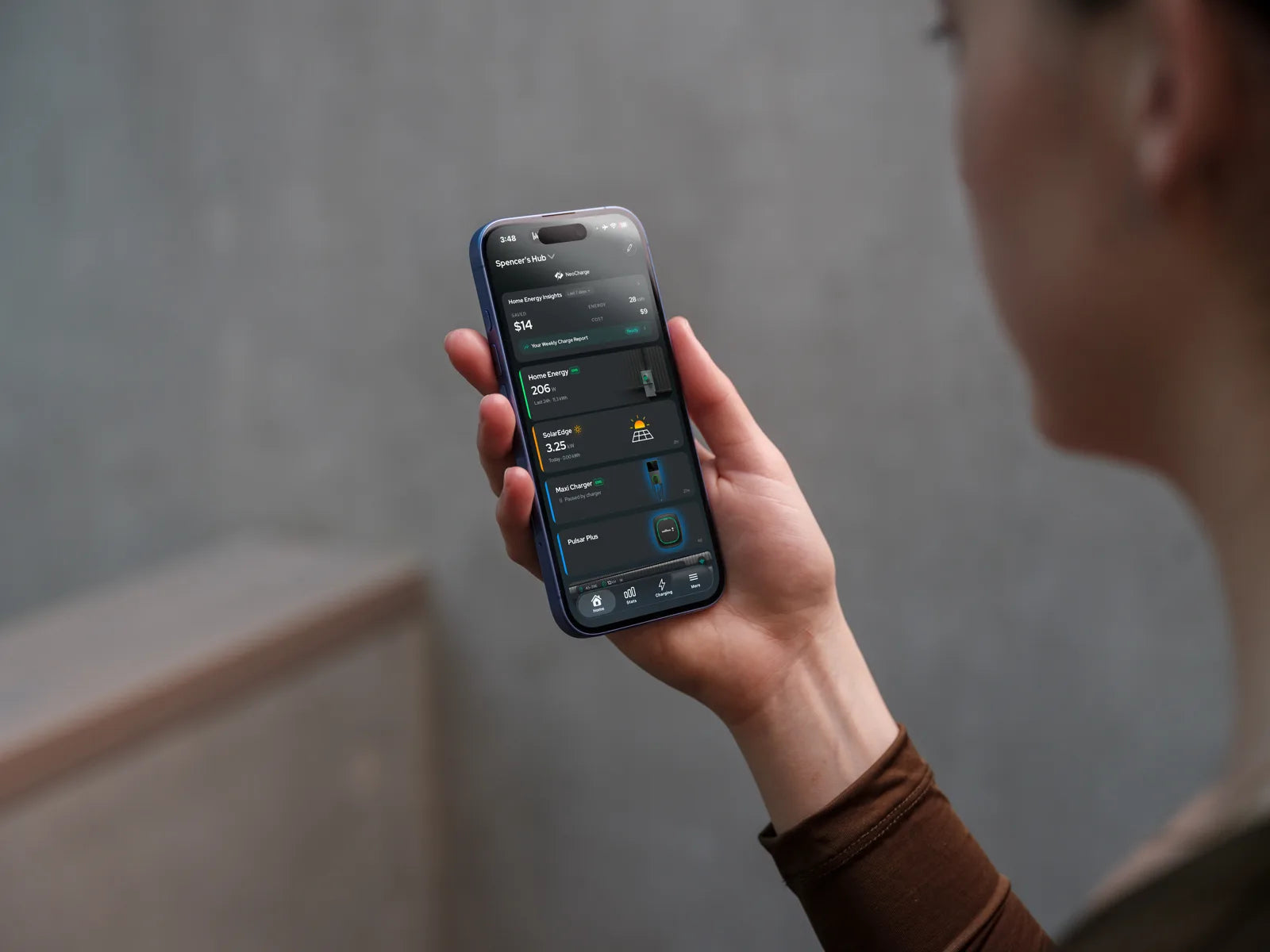
- Green EMS badge on both the Autel and Home Energy cards on the app's home screen.
Panel label
- NEC 750.30 EMS panel label applied, one per Energy Monitor. Write in the main or feeder breaker rating and the date set. The charger tag shows the Autel amps.
Required photos
Take these on the homeowner's phone (or your job app) and upload them with the job. The job can't move past Installed without all four.
| # | Photo | What it must show |
|---|---|---|
| 1 | Energy Monitor back label | Serial number and installer PIN, readable |
| 2 | All CTs | Placement and arrows. Wide enough to trace each main sensor to its conductor and each lead to its port |
| 3 | Final verified screen | NeoCharge app: "Energy Management verified", all checks green |
| 4 | EMS panel label | The NEC 750.30 label on the panel, with the rating and date filled in |
Also useful: the Autel dial or the max-current setting in the Autel app, and the monitor with its status light on.
Who to call
Stuck on site? Call before you leave. Don't hand an unfinished setup to the homeowner.
| Issue | Call |
|---|---|
| Energy Monitor, EMS, NeoCharge app | NeoCharge install support: +1 888 944 5581, support@getneocharge.com |
| Autel PIN mismatch, Autel account release, charger hardware | Autel Customer Support: 1 (844) 765-0150, with the charger serial number |
Help center: help.getneocharge.com
Something wrong or unclear on this page? Email support@getneocharge.com. Rev 005 is the controlled copy.
