





How to Schedule EV Charging During Off-Peak Hours (And Save Hundreds Per Year)
TL;DR
Learn how to schedule EV charging during off-peak hours and save $30-80/month on electricity. Step-by-step guide with real savings examples.
Key takeaways
- Learn how to schedule EV charging during off-peak hours and save $30-80/month on electricity.
- Step-by-step guide with real savings examples.
Scheduling EV charging during off-peak hours can save you $360-960 annually. Set your EV to charge automatically between 9 PM and 6 AM when electricity rates are 50-70% lower. Use your vehicle's app, a smart charging station, or the NeoCharge app to automate charging schedules and avoid peak rates (4-9 PM weekdays) when electricity costs 3-4x more. Most EV owners save $30-80 per month with this simple change.
Electric vehicle owners often see their electricity bills spike after buying their first EV. But here's the good news: by simply shifting when you charge, you can cut your charging costs by 50-70% without changing how much you drive. The secret? Off-peak charging schedules.
Understanding Time-of-Use Electricity Rates
Most utility companies charge different rates depending on when you use electricity. During peak hours—usually 4 PM to 9 PM on weekdays—rates can soar to $0.40-0.50 per kWh. But during off-peak hours (typically 9 PM to 6 AM), those same utilities might charge just $0.12-0.18 per kWh.
For context, charging a Tesla Model 3 with a 75 kWh battery costs:
- Peak rate ($0.45/kWh): $33.75 per charge
- Off-peak rate ($0.15/kWh): $11.25 per charge
- Savings per charge: $22.50
If you charge twice per week, that's $180 saved monthly—over $2,100 per year—just by waiting a few hours.
Many utilities offer special EV rate plans with even steeper off-peak discounts. PG&E's EV2-A plan, for example, offers super off-peak rates as low as $0.18/kWh between midnight and 3 PM, compared to peak rates of $0.56/kWh. Southern California Edison's TOU-D-PRIME plan offers similar savings structures designed specifically for EV owners.
Learn more about time-of-use rates and smart charging strategies
Three Ways to Schedule EV Charging
1. Built-In Vehicle Scheduling
Most modern EVs include charging schedules in their native apps:
Tesla: Open the Tesla app → Charging → Schedule → Set departure time. The car automatically calculates when to start charging to be ready by your departure while maximizing off-peak hours.
Ford Mustang Mach-E / F-150 Lightning: FordPass app → Vehicle → Charge Settings → Departure Times. You can set different schedules for weekdays and weekends.
Chevrolet Bolt: myChevy app → Energy → Rate Settings → Enter your utility's rate schedule, and the car optimizes charging automatically.
Nissan Leaf: Use the "Climate Control Timer" to set delayed charging start times that align with off-peak hours.
2. Smart Charging Station Controls
Level 2 home charging stations often include scheduling features:
- ChargePoint Home Flex: Mobile app with custom schedules, energy usage tracking, and integration with utility rate plans
- JuiceBox: Cloud-connected scheduling with voice control through Alexa
- Grizzl-E Smart: WiFi-enabled scheduling with real-time energy monitoring
These stations work with any EV and give you charging control independent of your vehicle's native system. Learn more about installation costs before choosing a station.
3. Smart Charging Apps
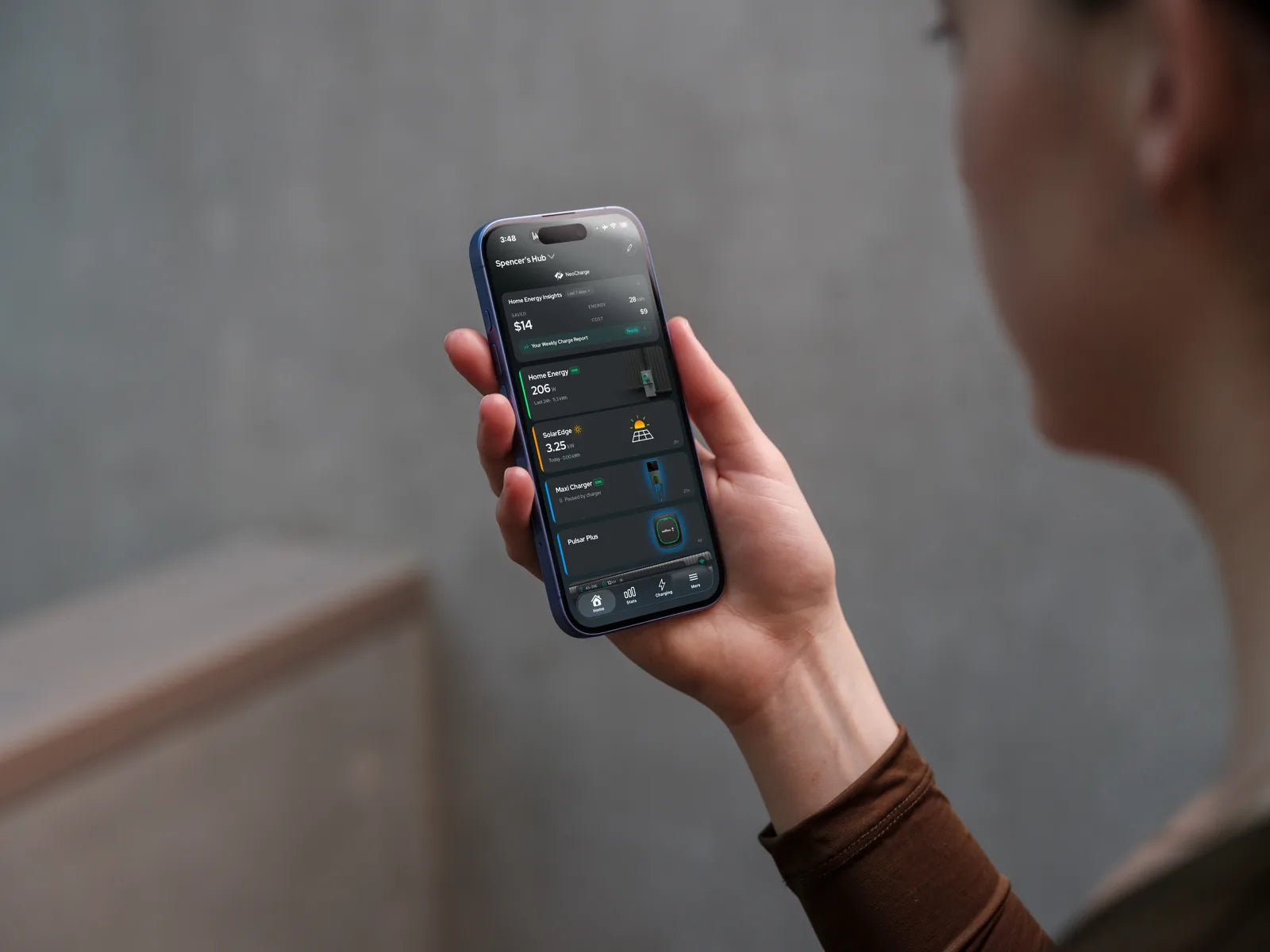
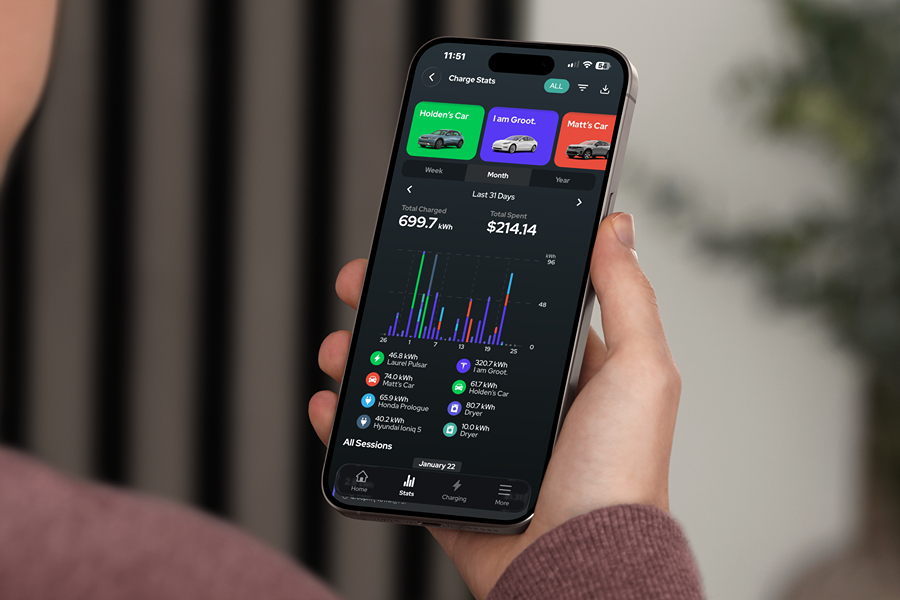
Third-party apps can optimize charging schedules across multiple vehicles and charging locations. The NeoCharge app, for instance, lets you create custom charging schedules based on your specific utility's rate structure, sends notifications when charging starts and stops, and tracks your monthly savings compared to peak-rate charging.
The advantage of app-based scheduling is flexibility—you can adjust schedules on the fly when plans change, create location-based rules (charge immediately at public stations, schedule at home), and get detailed energy cost breakdowns. Learn how to automate your home EV charging schedule for maximum convenience.
Real-World Savings Examples
Let's look at actual savings for different driving patterns:
Moderate Driver (200 miles/week)
- Weekly consumption: ~50 kWh
- Peak rate ($0.42/kWh): $21/week = $84/month
- Off-peak rate ($0.14/kWh): $7/week = $28/month
- Monthly savings: $56
- Annual savings: $672
Heavy Commuter (400 miles/week)
- Weekly consumption: ~100 kWh
- Peak rate ($0.42/kWh): $42/week = $168/month
- Off-peak rate ($0.14/kWh): $14/week = $56/month
- Monthly savings: $112
- Annual savings: $1,344
Two-EV Household (500 miles/week combined)
- Weekly consumption: ~125 kWh
- Peak rate ($0.42/kWh): $52.50/week = $210/month
- Off-peak rate ($0.14/kWh): $17.50/week = $70/month
- Monthly savings: $140
- Annual savings: $1,680
These examples assume a 3:1 peak-to-off-peak rate ratio, which is common across major utilities. Some utilities offer even steeper discounts, especially for EV-specific rate plans. If you have two EVs at home, consider how to share a 240V outlet between your EV charger and dryer safely.
Setting Up Your Schedule: Step-by-Step
Step 1: Contact Your Utility Call your electricity provider and ask about EV time-of-use rates. Most utilities offer special EV plans with aggressive off-peak discounts. Request a rate sheet showing exact peak/off-peak hours and prices.
Step 2: Calculate Your Ideal Charging Window Determine how long you need to fully charge. A typical Level 2 (240V) charger delivers 25-30 miles of range per hour. If you need 150 miles of range and charge overnight, that's about 5-6 hours. Start your schedule early enough to finish before off-peak hours end (usually 6 AM).
Step 3: Configure Your Schedule Choose one method (vehicle, station, or app) and set your charging to begin around 10 PM-midnight. Most vehicles and stations let you set different schedules for weekdays vs. weekends.
Step 4: Set Smart Defaults Configure "charge immediately" exceptions for days when you need a quick top-up, but make scheduled charging your default behavior.
Step 5: Monitor and Adjust After your first billing cycle, compare your costs to verify savings. Adjust your schedule if your utility's off-peak hours differ seasonally (some utilities shift hours in summer vs. winter).
Maximizing Your Savings
Enroll in utility EV programs: Many utilities offer additional rebates for EV owners on time-of-use plans—sometimes $50-100 per year just for enrolling.
Combine with solar: If you have solar panels, charge during midday when your panels generate excess power (free electricity) or during off-peak hours when you're drawing from the grid.
Use "Smart Charge" modes: Some vehicles have AI-powered charging modes that learn your utility's rates and automatically optimize charging windows without manual scheduling.
Precondition while plugged in: If your EV supports cabin preconditioning (heating/cooling the car while plugged in), schedule this during off-peak hours too. This can save another $10-20/month in energy costs.
Track phantom loads: Some EVs draw power even when not actively charging. Ensure your vehicle fully stops charging when complete to avoid paying peak rates for vampire drain.
Common Scheduling Mistakes to Avoid
Charging too early: Starting your schedule at 6 PM means you're still charging during peak hours. Wait until after 9 PM unless you have an emergency.
Forgetting weekends: Some utilities have different weekend rate structures. Verify whether Saturday/Sunday have peak hours or if all hours are off-peak.
Not updating for seasonal changes: A few utilities shift their peak/off-peak hours in summer (when air conditioning drives grid demand). Check your rate plan twice per year.
Charging to 100% daily: Charging to 80% instead of 100% reduces charging time and can help you stay entirely within off-peak windows. It's also better for battery longevity.
Ignoring time zone changes: If you travel across time zones, remember to adjust your schedule or use your vehicle's automatic location-based settings.
FAQ
What are off-peak hours for EV charging?
Off-peak hours vary by utility but typically run from 9 PM to 6 AM on weekdays and all day on weekends. Some utilities define "super off-peak" windows (like midnight-6 AM) with even lower rates. Contact your utility or check your rate plan to confirm your specific off-peak schedule, as hours can differ by region and season.
How much can I really save by scheduling EV charging?
Most EV owners save $30-80 per month ($360-960 annually) by scheduling charging during off-peak hours. Exact savings depend on three factors: your electricity rates (peak vs. off-peak difference), how many miles you drive monthly, and your vehicle's efficiency (kWh per mile). Two-EV households or high-mileage drivers can save over $1,500 per year.
Will scheduled charging damage my EV battery?
No—scheduled charging does not harm your battery. In fact, consistently charging during cooler nighttime temperatures (when off-peak hours occur) can actually extend battery life compared to hot afternoon charging. Modern EV batteries are designed for daily charging cycles and include thermal management systems that protect the battery regardless of when you charge.
Can I override my charging schedule for emergencies?
Yes—all scheduling systems (vehicle apps, charging stations, and third-party apps) allow manual overrides. Most vehicles have a "charge now" button in their app or on the charging port that immediately starts charging regardless of your schedule. You can also temporarily disable schedules for specific days without deleting your entire setup, which is useful for road trips or unexpected driving needs.
Start Saving Today
Scheduling your EV charging during off-peak hours is the single most effective way to reduce your transportation energy costs. With potential savings of $360-960 per year—or more for multi-EV households—the few minutes it takes to set up a schedule pays dividends every month.

Ready to start saving? Download the NeoCharge app to create custom charging schedules optimized for your utility's rates, track your energy costs in real-time, and see exactly how much you're saving every month. Available for iOS and Android.
Looking for smart home charging hardware? Check out NeoCharge's smart splitter solutions that let you share your 240V outlet between your EV and dryer—no electrician required.
Have you started scheduling your EV charging yet? Share your monthly savings in the comments below.
NeoCharge App
Turn rate plans into simple charging schedules
Schedule around off-peak windows, manage compatible chargers, and keep tabs on charging sessions from the app.
Explore the app


Next steps
Keep going with NeoCharge
Use the article as your decision guide, then jump into the product, app, or related guides that match what you are trying to solve next.
Key terms
- Level 2 charging
- Level 2 EV charging uses a 240V circuit (like a dryer outlet). It typically adds ~20–35 miles of range per hour, depending on your car and the circuit amperage.
- Time-of-use (TOU) rates
- Time-of-use rates are utility pricing plans where electricity costs more at peak hours and less off-peak. Scheduling EV charging off-peak can significantly reduce cost.
FAQs
What's the quick takeaway from this article?
Who is this guide for?
What should I do next?
Related posts

Quebec City EV Charging
Quebec City home EV charging guide: claim the $600 Écorecharge grant (connected charging only from April 1, 2026), avoid the Hydro-Québec Flex D winter peak trap, charge from your NEMA 14-30 dryer outlet...

Montreal Home EV Charging
Montreal home EV charging guide: Hydro-Québec residential rates, Flex D winter peak events (Dec 1–Mar 31), NEMA 14-30 dryer outlet Level 2 charging, NeoCharge Smart Splitter, CAN100 offer, and...
How Much Does It Really Cost to Charge an EV at Home? (2026 Calculator)
Charging an EV at home costs $8-$15 per full charge on average. Learn the exact formula, compare Level 1 vs Level 2 costs, and calculate your actual charging expenses with real examples.

Demand Charges vs. TOU Rates for Home EV Charging: What Matters (and How to Avoid Peak Costs)
Learn the difference between demand charges and time-of-use (TOU) rates for home EV charging, how to tell what you’re on, and practical steps to reduce peak costs and charge cheaper overnight.
