




NeoCharge Blog · EV Charging Basics
How to Find Your Off-Peak Hours for EV Charging (TOU Rate Plans Made Simple)
TL;DR
Off-peak hours depend on your utility’s TOU rate plan (and seasons/weekends). Here’s how to find your schedule, turn it into a charging rule, and save money.
Key takeaways
- The same home outlet can cost very different amounts depending on when you use it.
- Many TOU plans change by: Season (summer vs winter) Day type (weekday vs weekend/holiday) Hour (peak vs off-peak)
- Season (summer vs winter)
- Day type (weekday vs weekend/holiday)
Step 1: Find your exact utility rate plan
Look at your electric bill or online account and find:
- Rate plan name (example formats: “TOU-D”, “EV-2A”, “Residential TOU”, etc.)
- Whether you’re on a dedicated EV plan or whole-home TOU
If you can’t find it on the bill, check the utility portal for “rate schedule” or “tariff.”
Step 2: Confirm the TOU schedule (don’t guess)
Utilities publish the authoritative schedule for your plan. What you’re looking for:
- Peak hours (most expensive)
- Off-peak hours (cheaper)
- Sometimes super off-peak (cheapest)
Also confirm:
- Weekends: often off-peak all day (but not always)
- Holidays: may follow weekend rules
- Seasonal changeovers: the “peak” window may shift in summer
Authoritative background resources:
- DOE (AFDC) home charging overview: DOE home charging overview
- NREL (DOE national lab) on managed EV charging and shifting load off-peak: nrel.gov
- EIA overview of electricity pricing factors (context for why TOU exists): eia.gov
Step 3: Convert the schedule into a charging rule
Once you have the off-peak window, use a simple rule like:
- “Charge only between X pm and Y am on weekdays”
- “Allow charging any time on weekends” (if your rate does that)
If your plan has multiple price blocks, prioritize the cheapest block first.
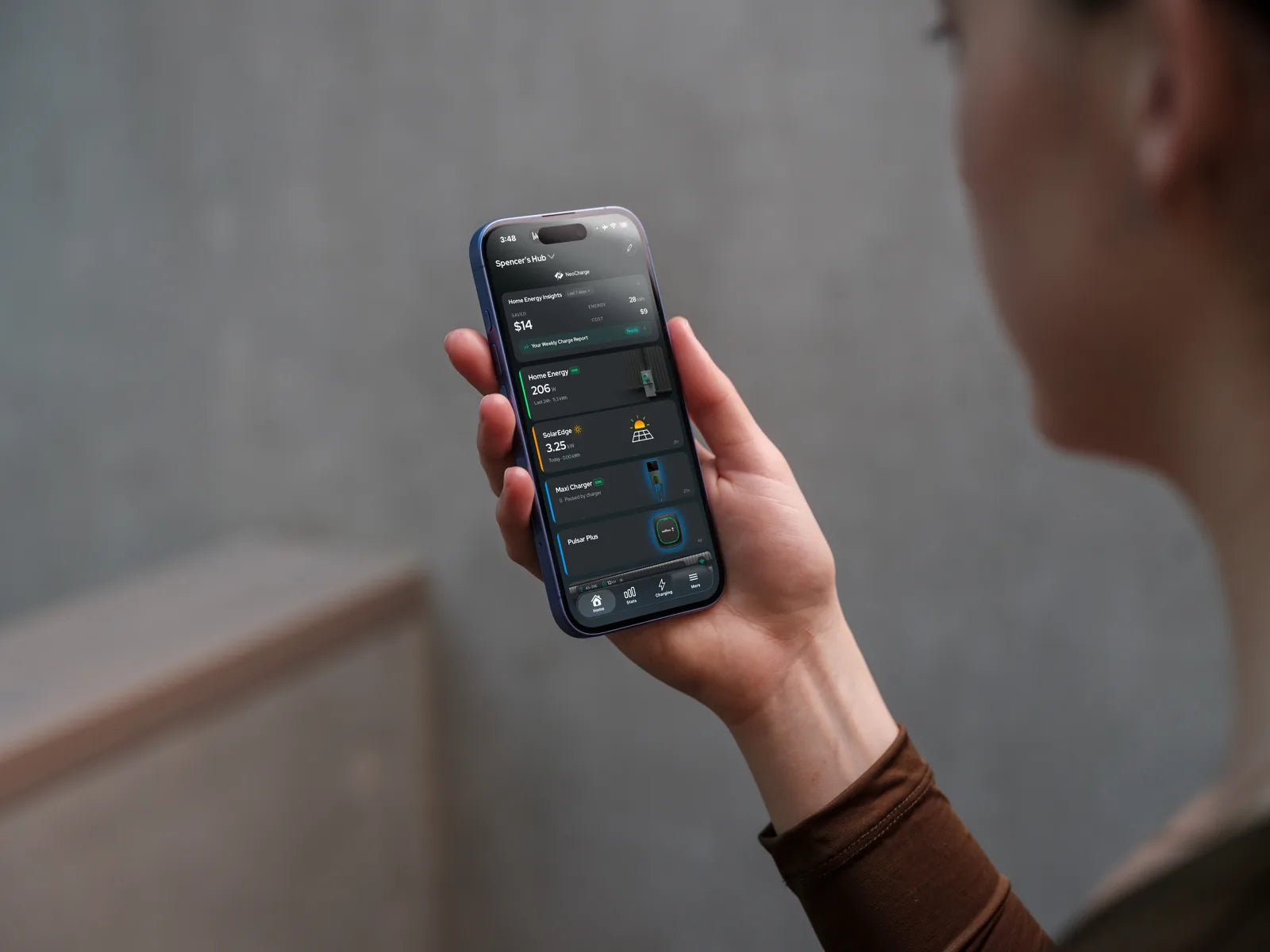
This is exactly where TOU-aware smart scheduling helps. If you’re using the NeoCharge App, you can set up charging schedules around TOU windows and reduce time spent “babysitting” charging.
- NeoCharge App: NeoCharge App
Step 4: Sanity-check it with your bill (quick method)
After one week:
- Note your charging sessions’ total kWh (from your charger/app)
- Compare your bill’s usage by TOU period (many utilities show a breakdown)
- Verify most EV kWh landed in off-peak
If not, adjust start times (especially if you sometimes plug in right after work).
Common questions (AEO-style)
“What are off-peak hours for EV charging?”
There isn’t a universal answer. Off-peak hours are defined by your utility’s rate plan and can vary by season.
“Is it always cheaper to use an EV plan?”
Not always. An EV rate plan can be great if you charge a lot off-peak, but it may raise peak pricing for the rest of the home. Compare total household costs.
“Should I schedule charging in my car, my charger, or an app?”
Use whichever is most reliable for your setup. The key is consistent off-peak behavior.
Next steps (NeoCharge)
- Set up TOU-aware smart charging and simplify scheduling: NeoCharge App → NeoCharge App
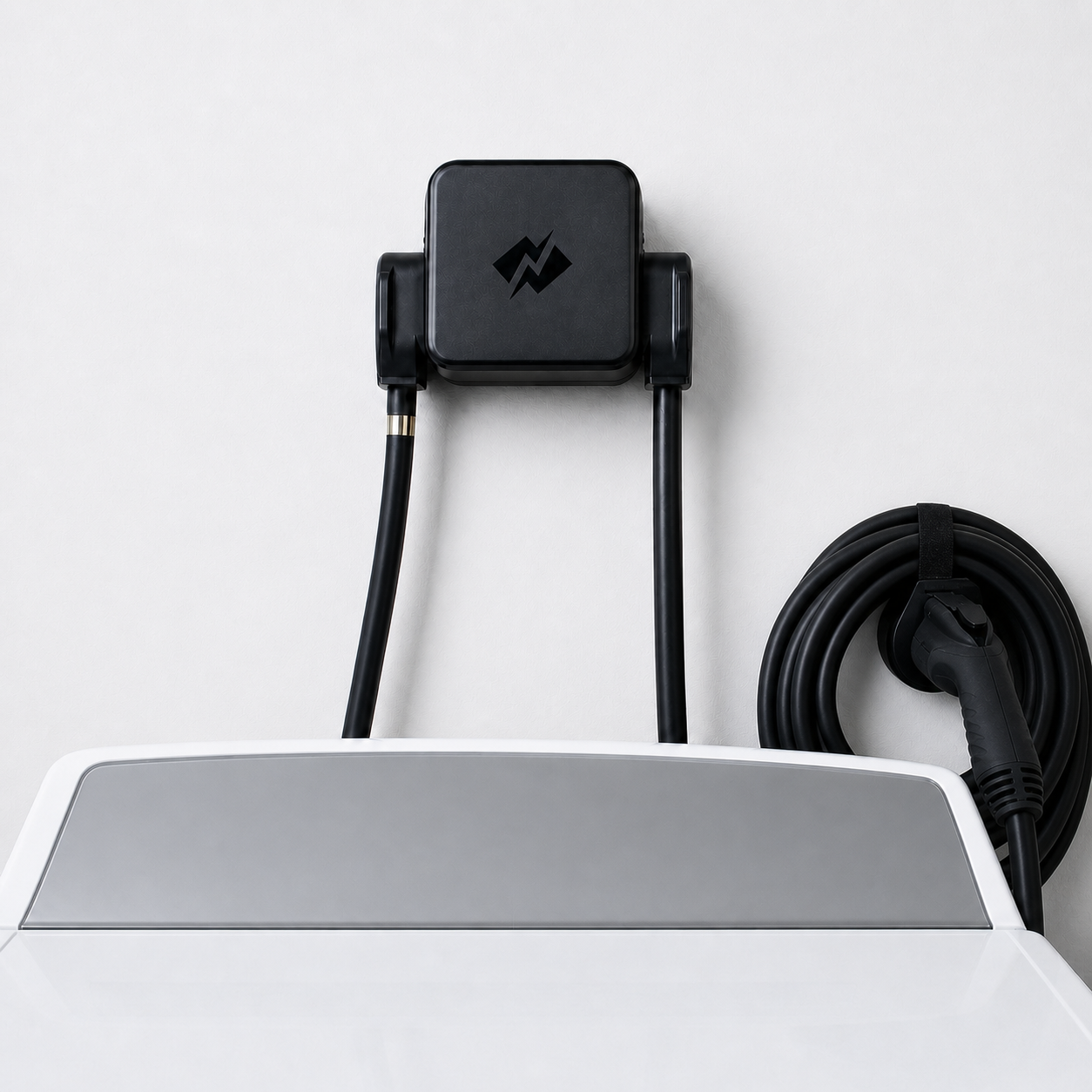
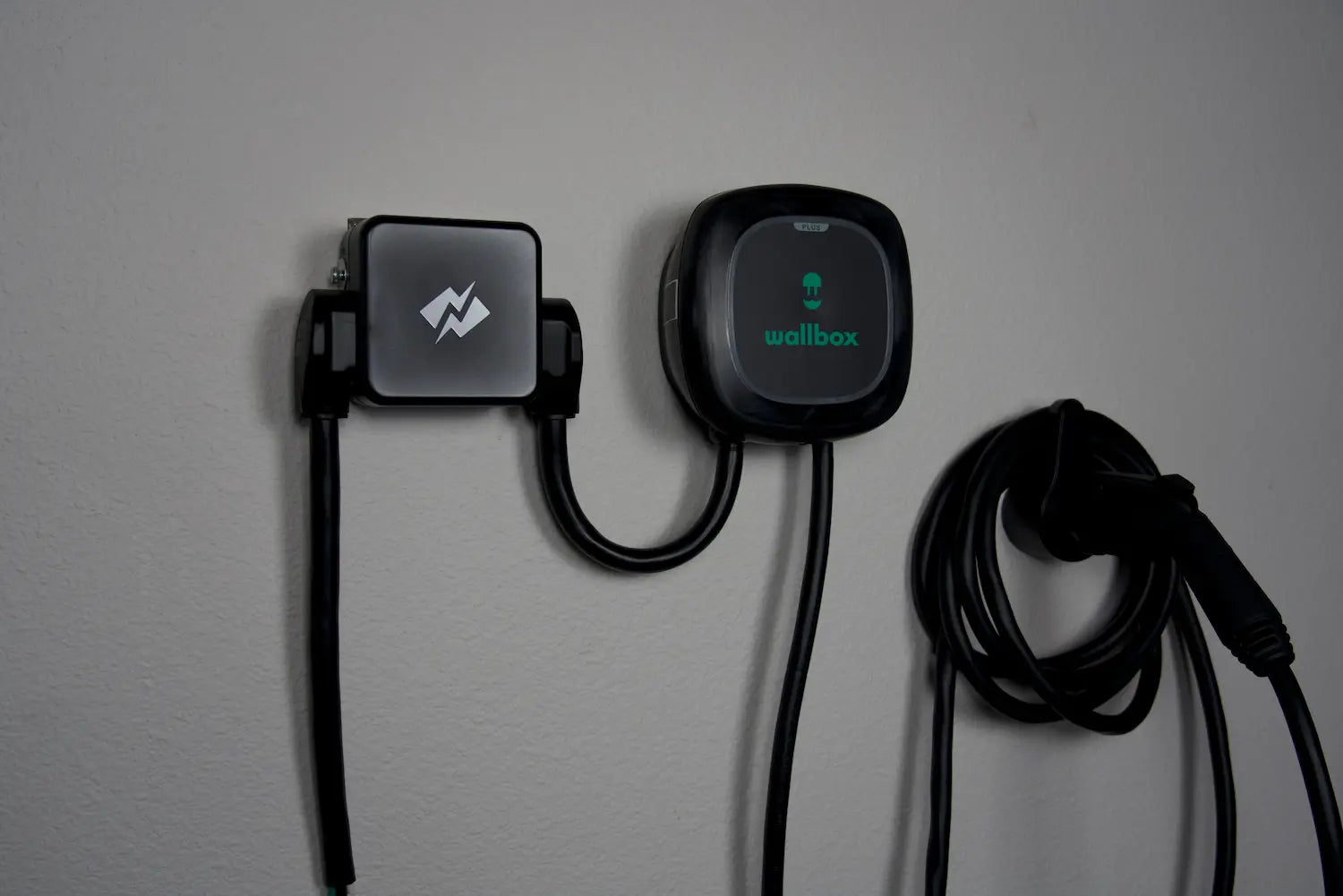
- Need to share one 240V outlet safely (dryer + EV)? Use an automatic load-sharing device: Smart Splitter → NeoCharge Smart Splitter
NeoCharge App
Turn rate plans into simple charging schedules
Schedule around off-peak windows, manage compatible chargers, and keep tabs on charging sessions from the app.
Explore the app


Next steps
Keep going with NeoCharge
Use the article as your decision guide, then jump into the product, app, or related guides that match what you are trying to solve next.
Key terms
- Time-of-use (TOU) rates
- Time-of-use rates are utility pricing plans where electricity costs more at peak hours and less off-peak. Scheduling EV charging off-peak can significantly reduce cost.
FAQs
What's the quick takeaway from this article?
Who is this guide for?
What should I do next?
Related posts
BC Hydro EV Power Management Device Rebate: Eligible Devices (2026)
BC Hydro pays $200 extra for an eligible EV power management device. The Sept 2026 device list, which chargers qualify, and the permit rule that decides who gets it.

Can I Charge My EV From a Dryer Outlet in Canada?
Can you charge an EV from a dryer outlet in Canada? Learn NEMA 14-30, NEMA 10-30, 24 amp charging, Tesla adapters, safety, and Smart Splitter options.

Do You Need a Panel Upgrade for Home EV Charging in Canada?
Can you install an EV charger without a panel upgrade in Canada? Compare 100 amp panels, Level 2 charging, dryer outlets, load management, and rebates.
DCC-9 vs DCC-10 vs EVEMS vs Smart Splitter: Canada EV Load Management Guide
Compare DCC-9, DCC-10, EVEMS, dynamic charger load management, NeoCharge Smart Splitter, and panel upgrades for Canadian EV charging on 100A or 125A panels.
