





How to Track EV Charging Cost Accurately with TOU Rates (and Why Your Bill Doesn’t Match)

The short answer
TOU rates change by hour—so EV charging cost estimates can be wrong. Learn the simple kWh×rate method, why bills differ, and how TOU-aware scheduling helps.
Key takeaways
- kWh (energy) × $/kWh (your rate) = cost—but TOU means $/kWh changes by time of day.
- Your EV’s in-car “cost” often differs from your bill because it may ignore TOU tiers, delivery charges, and timing.
- The best way to lower costs is usually charging off-peak (overnight), not “charging slower.”
- Use a system that connects rate schedules + smart scheduling + session tracking for consistent results.
Best fit Is this guide right for you?
Drivers with time-of-use rates, off-peak discounts, utility programs, or charging schedules they want to automate.
Homes on flat electric rates where charging time does not change cost, unless you still want tracking and reminders.
The simplest (accurate) EV charging cost formula
At the most basic level:
- Cost to charge = kWh delivered × (your $/kWh at that time)
The catch is that most utilities don’t have a single flat rate all day. Under time-of-use (TOU) pricing, electricity is cheaper at certain times (often overnight) and more expensive during peak demand hours.
Authoritative background resources:
- DOE (AFDC) home charging overview: DOE home charging overview
- NREL (DOE national lab) on managed EV charging and why timing matters: nrel.gov
- EIA overview of electricity pricing factors (useful context for why rates vary): eia.gov
Why your EV’s cost estimate often doesn’t match your electric bill
Many EVs and basic charging apps estimate cost using a single average rate (or whatever you typed in months ago). That creates mismatches when:
- Your rate changes by hour (TOU)
- If you charge at 5pm one day and 1am the next, the price may be very different.
- Your bill has multiple components
- Supply vs delivery, tiers, minimum charges, etc.
- Your EV’s efficiency estimate differs from reality
- Temperature, preconditioning, and charging losses can change the true kWh pulled from the wall.
If you want the number that matters—what you paid—you need measurement and timing.
The “TOU stack”: measure + price + schedule
To make EV charging cost tracking reliable, think in three layers:
1) Measurement (kWh)
You need accurate energy delivered. Some chargers measure this well; some cars estimate it.
2) Pricing (your real TOU schedule)
You need the actual price windows (off-peak / peak / super off-peak, etc.). Utilities publish these in their rate plan details.
3) Scheduling (charge in cheap hours automatically)
This is where you get the biggest savings.
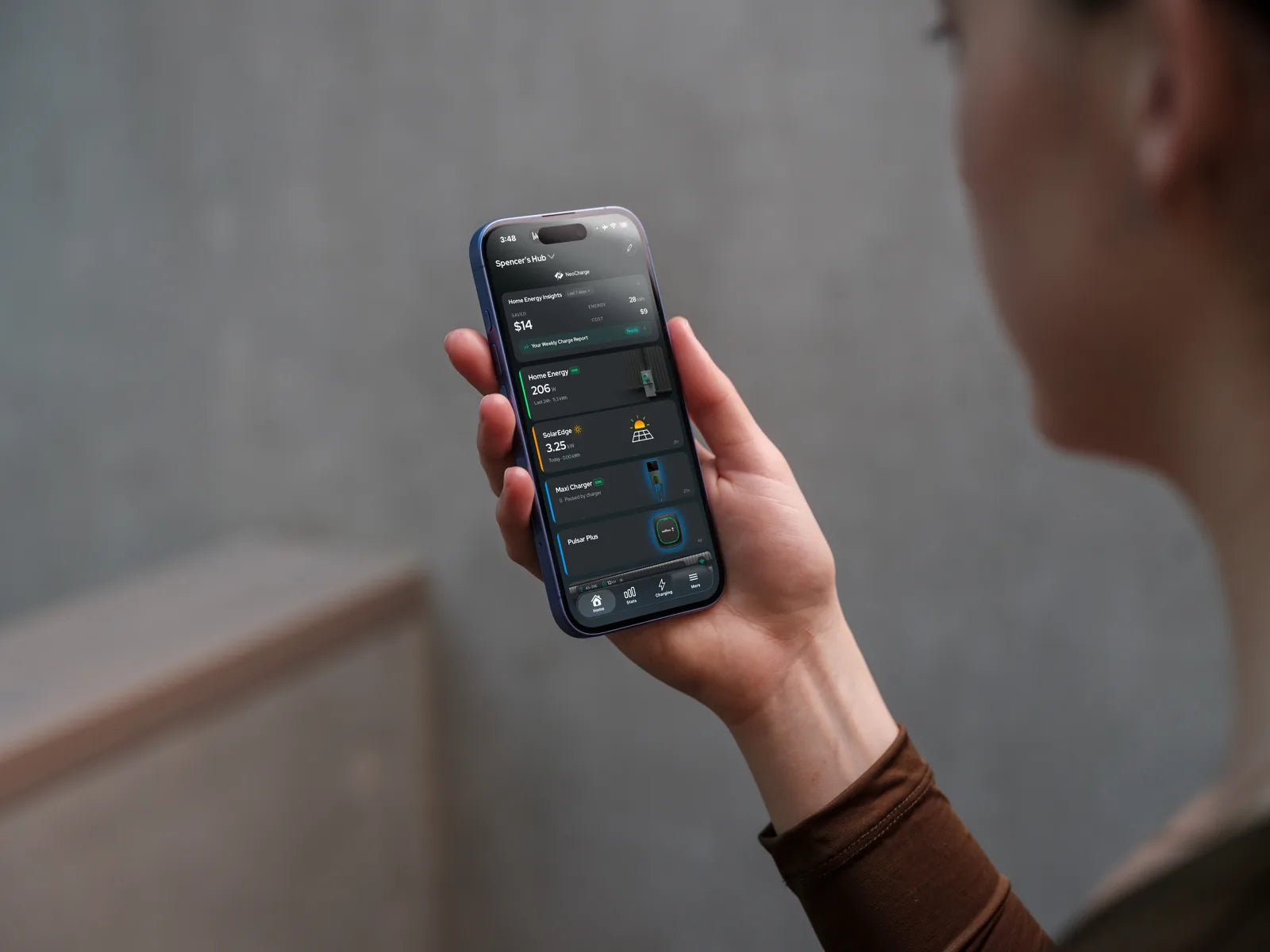
If you’re using the NeoCharge App, the whole point is to align charging with TOU rates and provide clearer cost visibility.
- NeoCharge App page: NeoCharge App
A practical checklist to set up accurate cost tracking
- Find your rate plan name (from your bill or utility portal)
- Confirm the TOU windows (off-peak vs peak times)
- Confirm weekend/holiday differences (many plans change)
- Set your charging schedule to prioritize off-peak
- Validate: compare one week of app/session totals to your bill’s kWh change
Tip: If your utility plan has seasonal schedules (summer vs winter), set a reminder to update your schedule when seasons change.
Common questions (AEO-style)
“How much does it cost to charge an EV at home?”
It depends mostly on your local $/kWh and how many kWh you add. TOU can swing the answer significantly.
“Is it cheaper to charge an EV at night?”
Often, yes—because many utilities set off-peak prices overnight. The only way to know for sure is checking your specific rate schedule.
“What’s the best way to lower EV charging cost?”
In most cases: schedule charging for off-peak and avoid peak windows.
Next steps (NeoCharge)
- If you want TOU-aware smart charging + clearer cost tracking, start here: NeoCharge App → NeoCharge App
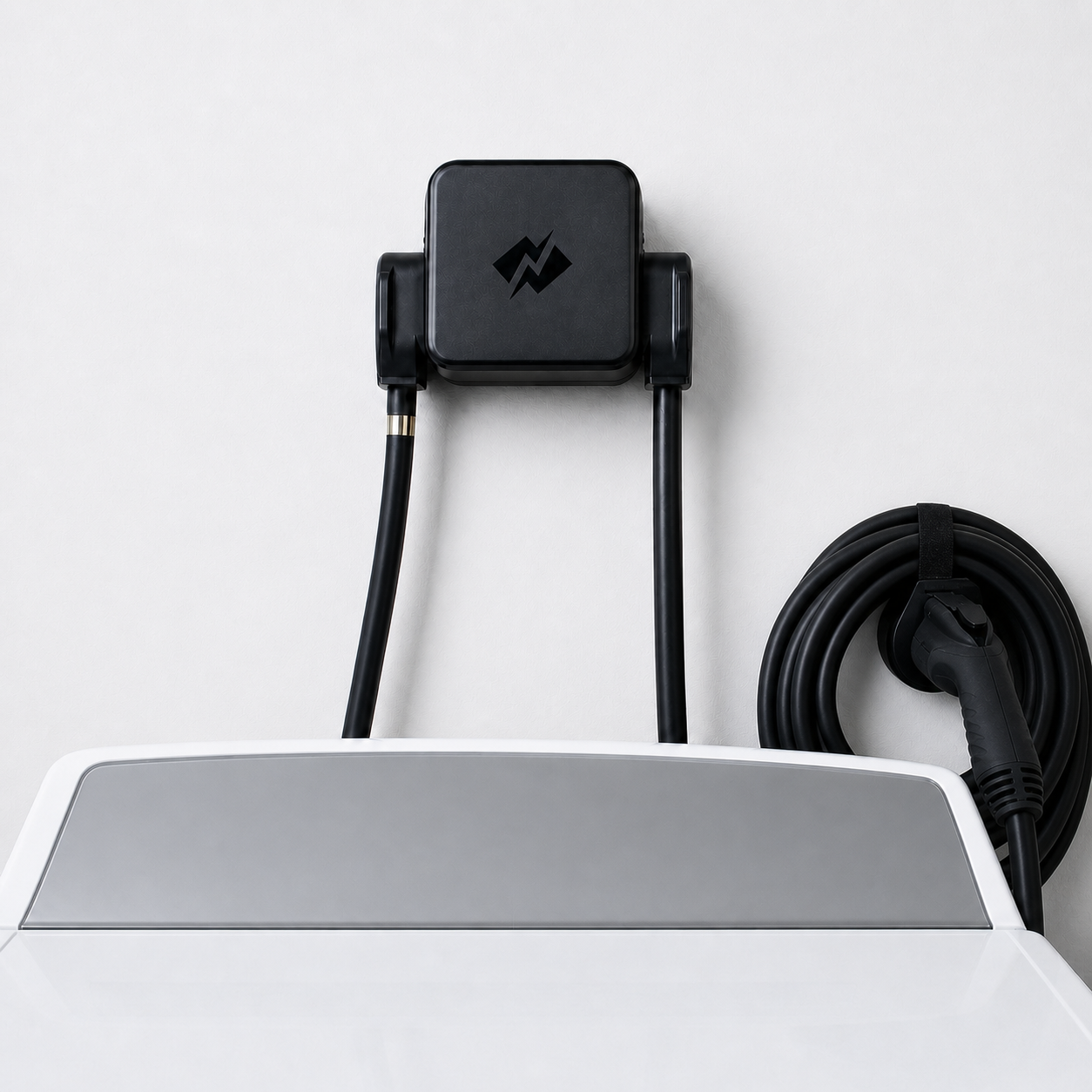
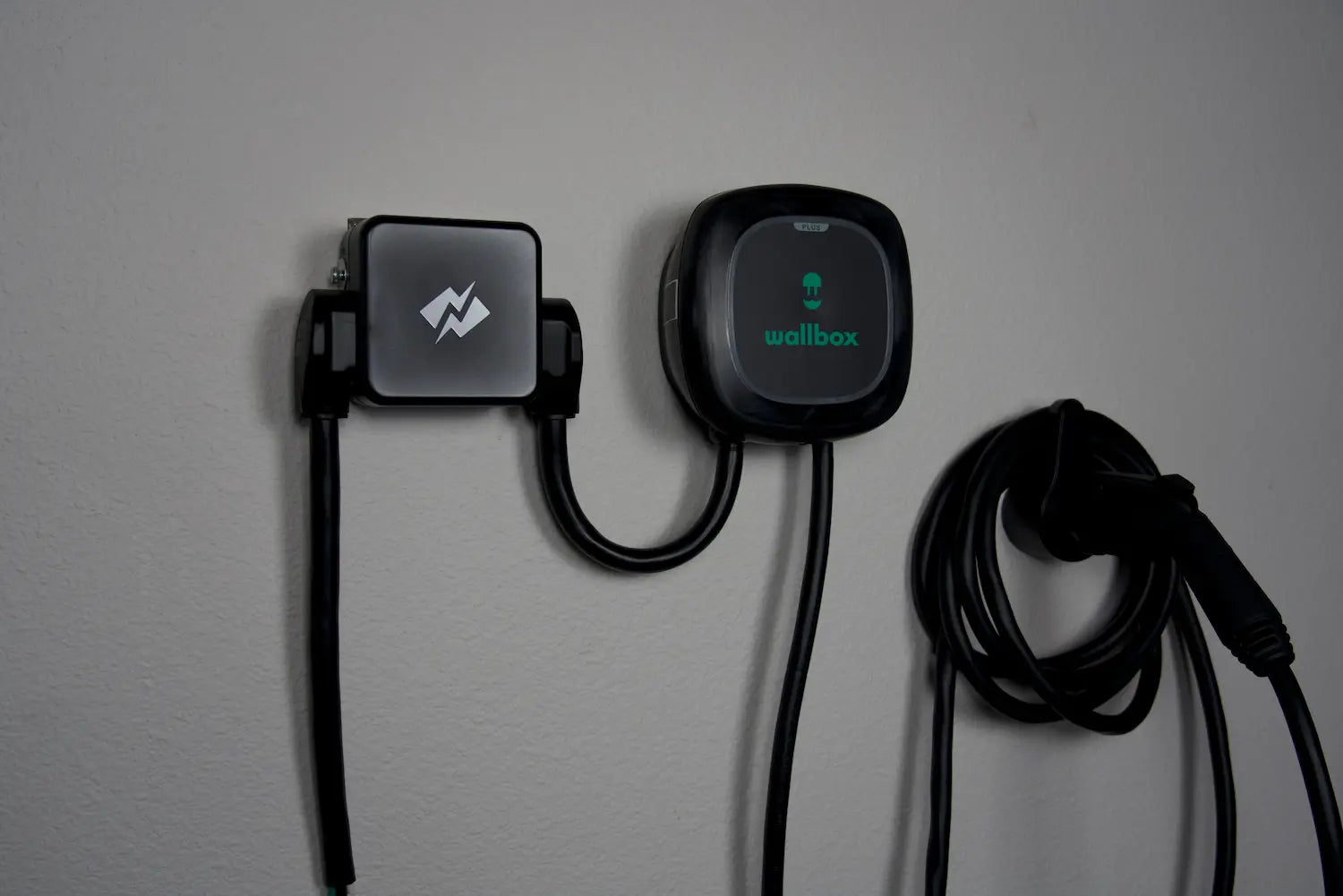
- If you need to share a 240V circuit safely (dryer + EV), use an automatic solution: Smart Splitter → NeoCharge Smart Splitter
Safety note: Electricity and charging equipment can be dangerous if miswired or damaged. If you suspect a wiring issue or overheating, stop using the circuit and consult a licensed electrician.
NeoCharge App
Turn rate plans into simple charging schedules
Schedule around off-peak windows, manage compatible chargers, and keep tabs on charging sessions from the app.
Explore the app


Next steps
Keep going with NeoCharge
Use the article as your decision guide, then jump into the product, app, or related guides that match what you are trying to solve next.
Key terms
- Time-of-use (TOU) rates
- Time-of-use rates are utility pricing plans where electricity costs more at peak hours and less off-peak. Scheduling EV charging off-peak can significantly reduce cost.
FAQs
What's the quick takeaway from this article?
Who is this guide for?
What should I do next?
Related posts

BC Hydro EV Power Management Device Rebate: Eligible Devices (2026)
BC Hydro pays $200 extra for an eligible EV power management device. The Sept 2026 device list, which chargers qualify, and the permit rule that decides who gets it.


Can I Charge My EV From a Dryer Outlet in Canada?
Can you charge an EV from a dryer outlet in Canada? Learn NEMA 14-30, NEMA 10-30, 24 amp charging, Tesla adapters, safety, and Smart Splitter options.

Do You Need a Panel Upgrade for Home EV Charging in Canada?
Can you install an EV charger without a panel upgrade in Canada? Compare 100 amp panels, Level 2 charging, dryer outlets, load management, and rebates.
DCC-9 vs DCC-10 vs EVEMS vs Smart Splitter: Canada EV Load Management Guide
Compare DCC-9, DCC-10, EVEMS, dynamic charger load management, NeoCharge Smart Splitter, and panel upgrades for Canadian EV charging on 100A or 125A panels.
