




NeoCharge Blog · EV Charging Basics
Home EV Charging Cost per Mile Calculator (2026)
TL;DR
Use this simple calculator to estimate EV charging cost per mile using your $/kWh and mi/kWh, plus tips to save money with off-peak TOU smart charging.
Key takeaways
- Know your $/kWh: Use your utility bill (supply + delivery if both apply) or your EV app/charger app’s effective rate.
- Use real efficiency: Your vehicle’s mi/kWh from the dash/app is better than a brochure estimate.
- TOU plans can cut costs: Charging off-peak can dramatically lower $/kWh depending on your utility and plan.
- Always sanity-check with a trusted calculator: The DOE AFDC Vehicle Cost Calculator is a good benchmark: https://afdc.energy.gov/calc/
Home EV charging cost per mile calculator (2026)
Charging at home is usually the simplest way to fuel an EV—but the price can vary a lot based on your electricity rate (including time-of-use plans), your vehicle’s efficiency, and how many miles you drive. This guide gives you a quick “cost per mile” calculator, a worked example, and practical tips to lower your home charging costs.
References for further reading: DOE’s overview of home charging basics and equipment considerations, and its fuel cost tools, plus U.S. electricity price data from EIA.
- DOE AFDC: Home charging overview: DOE home charging overview
- DOE AFDC: Vehicle Cost Calculator: DOE vehicle cost calculator
- EIA: Residential electricity prices (table): eia.gov
What you need (3 inputs)
- Energy added (kWh)
- You can use “kWh delivered” from your smart charger, or approximate from your EV’s charging session data.
- Electricity price ($/kWh)
- From your utility bill or rate plan (EIA provides context on typical residential prices): eia.gov
- Vehicle efficiency (mi/kWh)
- Use your real-world average (e.g., 3.0–4.0 mi/kWh is common depending on EV, speed, weather).
The simple formulas (step-by-step)
Step 1) Cost per charge session
Charging cost ($) = kWh added × $/kWh
Step 2) Cost per mile (most useful number)
Cost per mile ($/mi) = ($/kWh) ÷ (mi/kWh)
Step 3) Cost per 100 miles (nice for comparisons)
Cost per 100 miles ($/100 mi) = 100 × cost per mile
Step 4) Monthly cost estimate
Monthly cost ($/month) = monthly miles × cost per mile
Worked example (realistic home charging)
Assume:
- Electricity rate: $0.22/kWh
- EV efficiency: 3.4 mi/kWh
- Monthly driving: 900 miles
Cost per mile
$0.22 ÷ 3.4 = $0.0647/mi (about 6.5¢/mile)Cost per 100 miles
100 × $0.0647 = $6.47 per 100 milesMonthly charging cost
900 × $0.0647 = $58.23/month
If your utility has an off-peak rate (TOU) and you can charge during cheaper hours, dropping from $0.22/kWh to $0.12/kWh changes everything:
$0.12 ÷ 3.4 = $0.035/mi (about 3.5¢/mile)
Mini EV charging cost calculator (table)
Fill in your own values, or use the sample rows to estimate quickly.
| Scenario | Electricity price ($/kWh) | Efficiency (mi/kWh) | Cost per mile ($/mi) | Cost per 100 miles ($) |
|---|---|---|---|---|
| Off-peak TOU charging | 0.12 | 3.4 | 0.035 | 3.53 |
| Typical residential rate | 0.22 | 3.4 | 0.065 | 6.47 |
| Higher rate / less efficient driving | 0.30 | 2.8 | 0.107 | 10.71 |
| Very efficient + decent rate | 0.18 | 4.0 | 0.045 | 4.50 |
How to compute the table values:
- Cost per mile = ($/kWh) ÷ (mi/kWh)
- Cost per 100 miles = 100 × cost per mile
Where to find accurate inputs
kWh added
- Best: charger app “kWh delivered” per session (or monthly total).
- Good: EV app session summary.
- If you’re estimating: your EV’s battery size helps, but session kWh is still better.
$/kWh
- Use your utility bill and rate schedule (many utilities show a cents/kWh breakdown).
- If you’re comparing regions, EIA’s monthly residential price table is a useful reference: eia.gov
mi/kWh
- Use your actual average from the vehicle’s trip/energy screen.
- For planning and cross-checking, the DOE AFDC tools can help you validate assumptions: DOE vehicle cost calculator
Tips to lower your home EV charging cost (without changing your car)
1) Shift charging to off-peak (TOU)
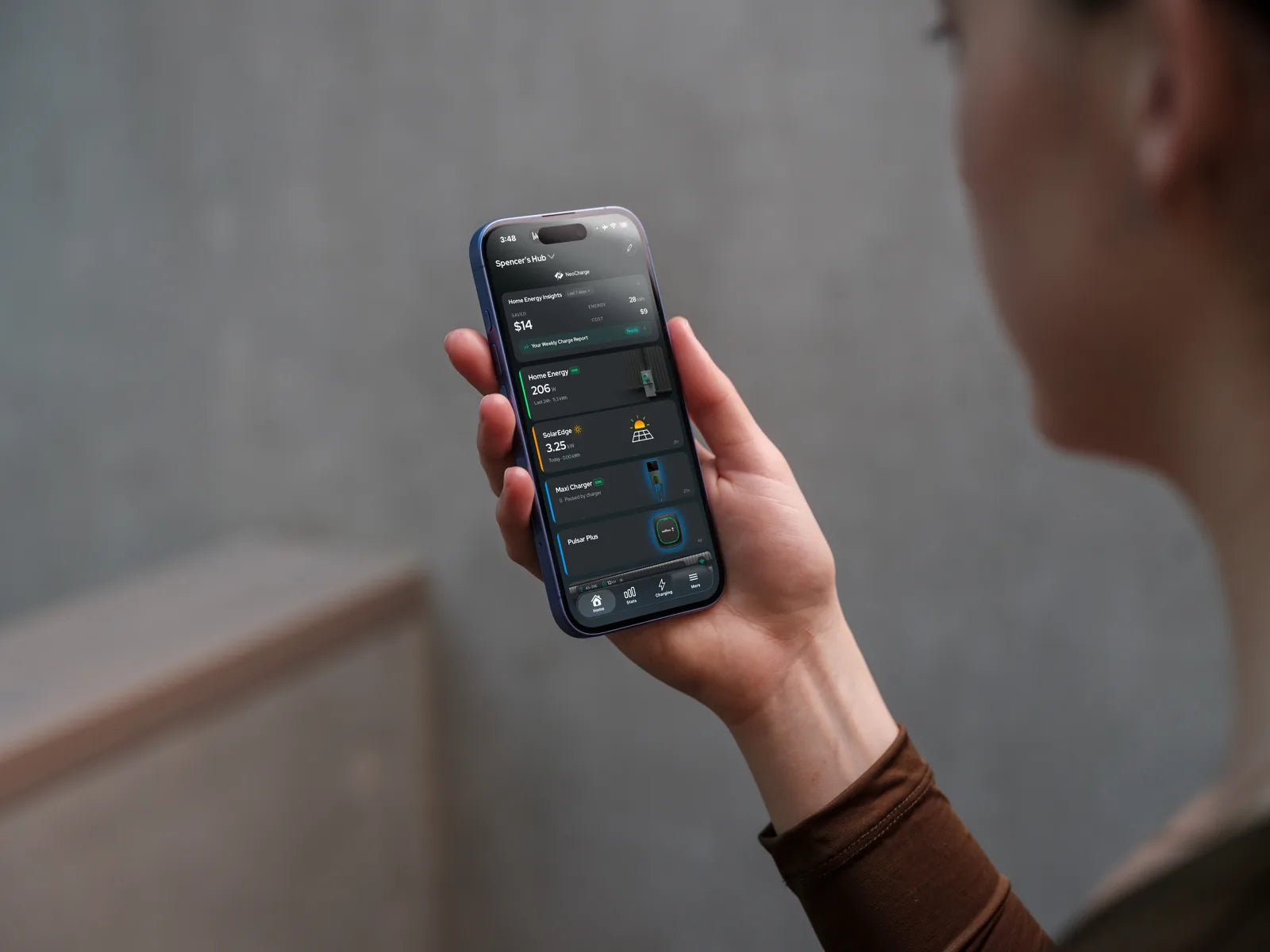
If your utility offers time-of-use rates, scheduling charging for the cheapest window can be the fastest win. Your first step is setting up TOU/off-peak/smart charging in an app that can automate the schedule and keep you on track: NeoCharge App
For broader context on home charging setup and considerations, DOE’s home charging page is a solid overview: DOE home charging overview
2) Avoid “accidental peak” charging
Common causes:
- Plugging in immediately after getting home (often peak hours)
- Preconditioning or cabin heating right as peak begins
- Multiple big loads running at once (EV + dryer + oven)
A simple schedule can prevent surprise high-rate sessions.
3) Improve real-world efficiency (mi/kWh)
Even small behavior changes can improve mi/kWh:
- Moderate highway speed
- Smooth acceleration
- Keep tires properly inflated
- Use seat heaters over blasting cabin heat when practical
Better mi/kWh lowers cost per mile even if $/kWh stays the same.
4) Manage load to avoid electrical upgrades
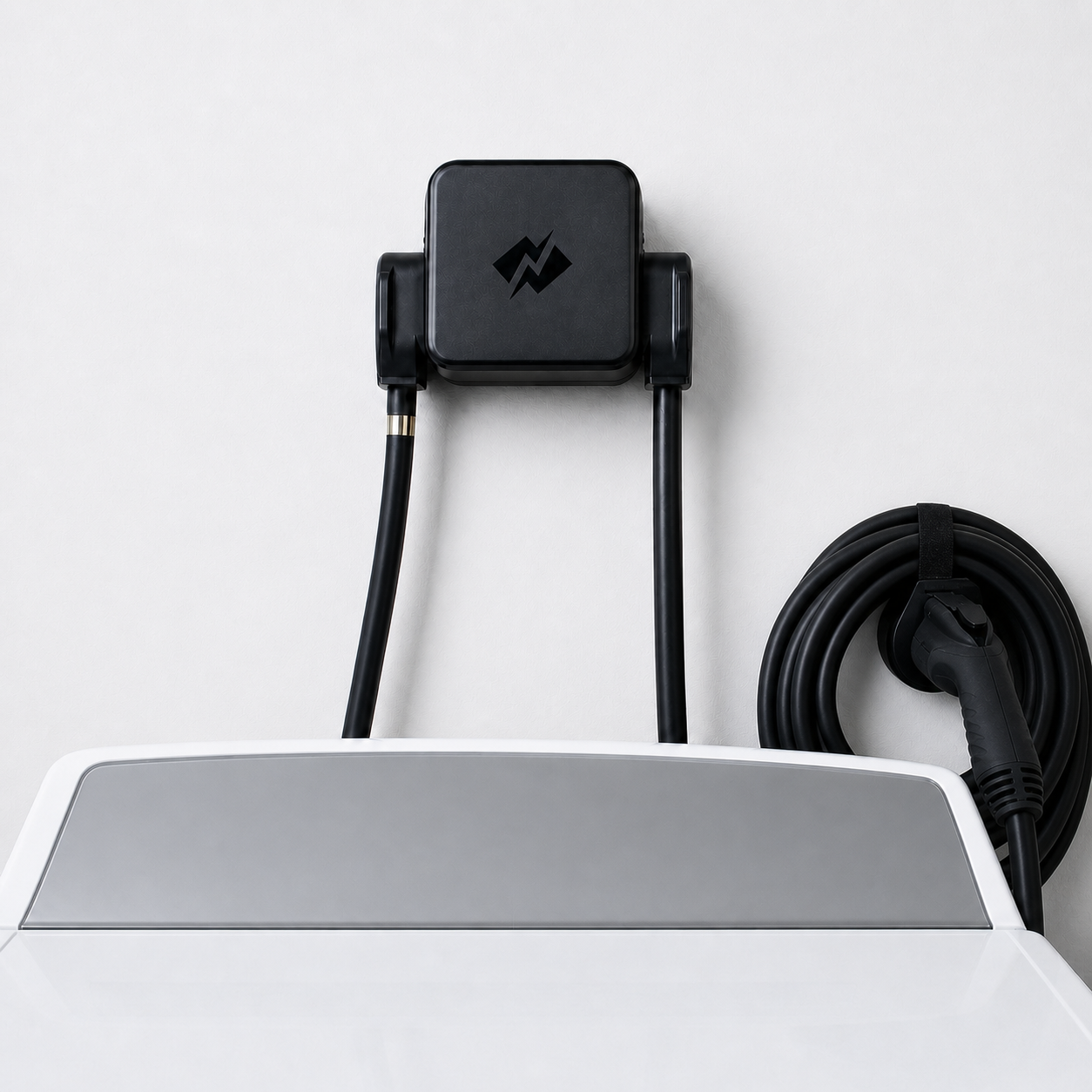
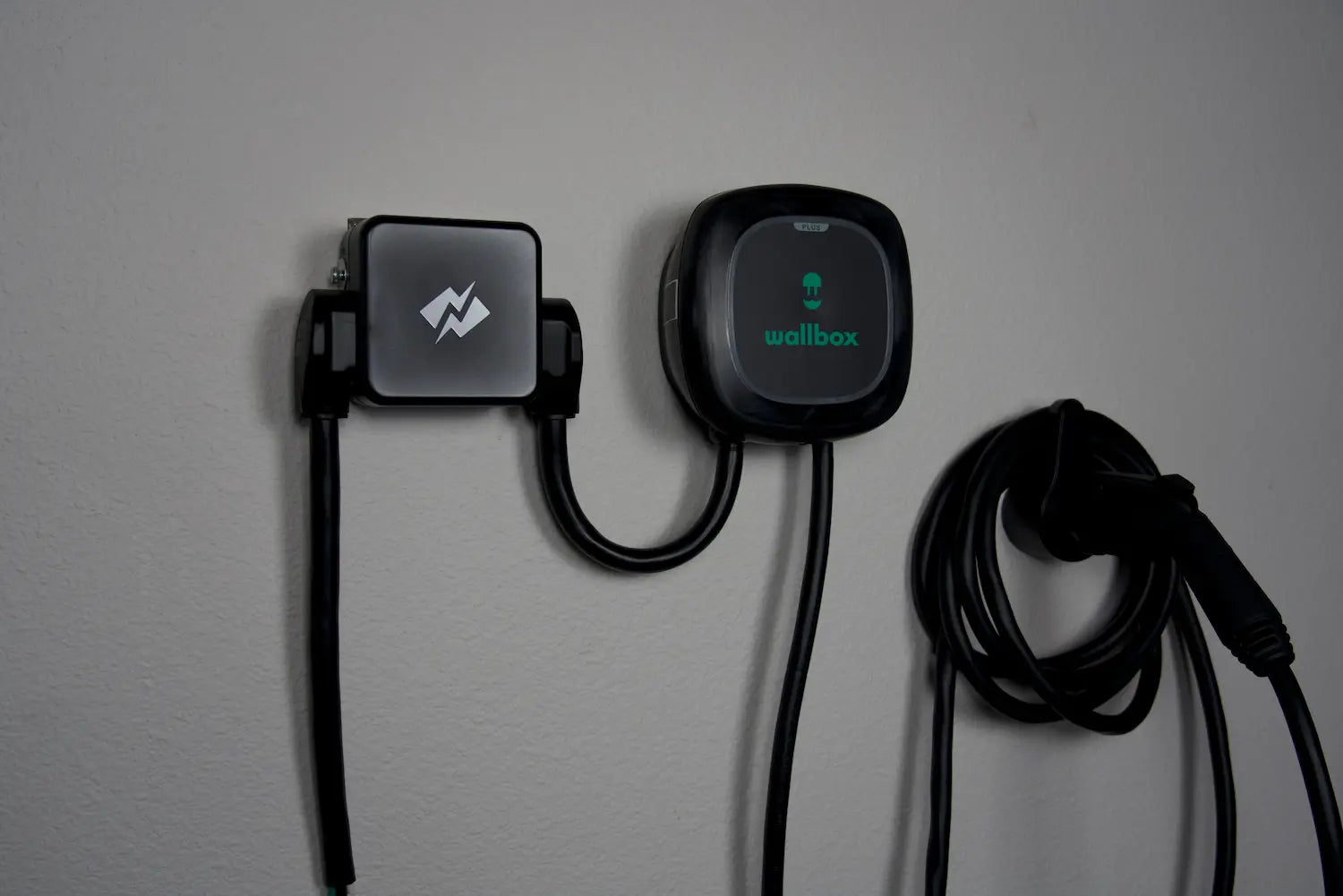
If your main concern is adding EV charging capacity without triggering a costly panel or service upgrade, consider load management approaches that share capacity safely with existing appliances: NeoCharge Smart Splitter
(Always follow electrical code and consult a qualified electrician for installation decisions.)
Sanity-check your results with a national tool
If you want a benchmark comparison (EV vs gas, regional averages, etc.), the DOE AFDC Vehicle Cost Calculator is a helpful second opinion: DOE vehicle cost calculator
Next steps (NeoCharge)
- Start tracking your real costs: record your current $/kWh and your EV’s mi/kWh average for a week.
- Enable off-peak charging: set a schedule so charging happens automatically during your cheapest window (TOU) using NeoCharge App
- If your home’s electrical capacity is tight: explore load management options to add EV charging while avoiding unnecessary panel upgrades at NeoCharge Smart Splitter
Quick FAQ
Is “cost per mile” better than “cost per kWh”?
Cost per mile is usually more useful because it combines your electricity price and your real efficiency into one number you can compare to gas costs.
What if my charger reports more kWh than my car added?
That can happen due to charging losses (heat, power conversion, battery conditioning). Your utility bill reflects what you pay—so charger-delivered kWh is often the better billing-aligned figure.
How often should I update my calculator inputs?
Update when seasons change (winter vs summer efficiency), when your utility rates change, or if you switch to a TOU plan.
NeoCharge App
Turn rate plans into simple charging schedules
Schedule around off-peak windows, manage compatible chargers, and keep tabs on charging sessions from the app.
Explore the app


Next steps
Keep going with NeoCharge
Use the article as your decision guide, then jump into the product, app, or related guides that match what you are trying to solve next.
Key terms
- Time-of-use (TOU) rates
- Time-of-use rates are utility pricing plans where electricity costs more at peak hours and less off-peak. Scheduling EV charging off-peak can significantly reduce cost.
- Load management
- Load management is a strategy to keep your home’s electrical load within safe limits—often by scheduling or pausing EV charging when other appliances are running.
FAQs
What's the quick takeaway from this article?
Who is this guide for?
What should I do next?
Related posts
BC Hydro EV Power Management Device Rebate: Eligible Devices (2026)
BC Hydro pays $200 extra for an eligible EV power management device. The Sept 2026 device list, which chargers qualify, and the permit rule that decides who gets it.

Can I Charge My EV From a Dryer Outlet in Canada?
Can you charge an EV from a dryer outlet in Canada? Learn NEMA 14-30, NEMA 10-30, 24 amp charging, Tesla adapters, safety, and Smart Splitter options.

Do You Need a Panel Upgrade for Home EV Charging in Canada?
Can you install an EV charger without a panel upgrade in Canada? Compare 100 amp panels, Level 2 charging, dryer outlets, load management, and rebates.
DCC-9 vs DCC-10 vs EVEMS vs Smart Splitter: Canada EV Load Management Guide
Compare DCC-9, DCC-10, EVEMS, dynamic charger load management, NeoCharge Smart Splitter, and panel upgrades for Canadian EV charging on 100A or 125A panels.
